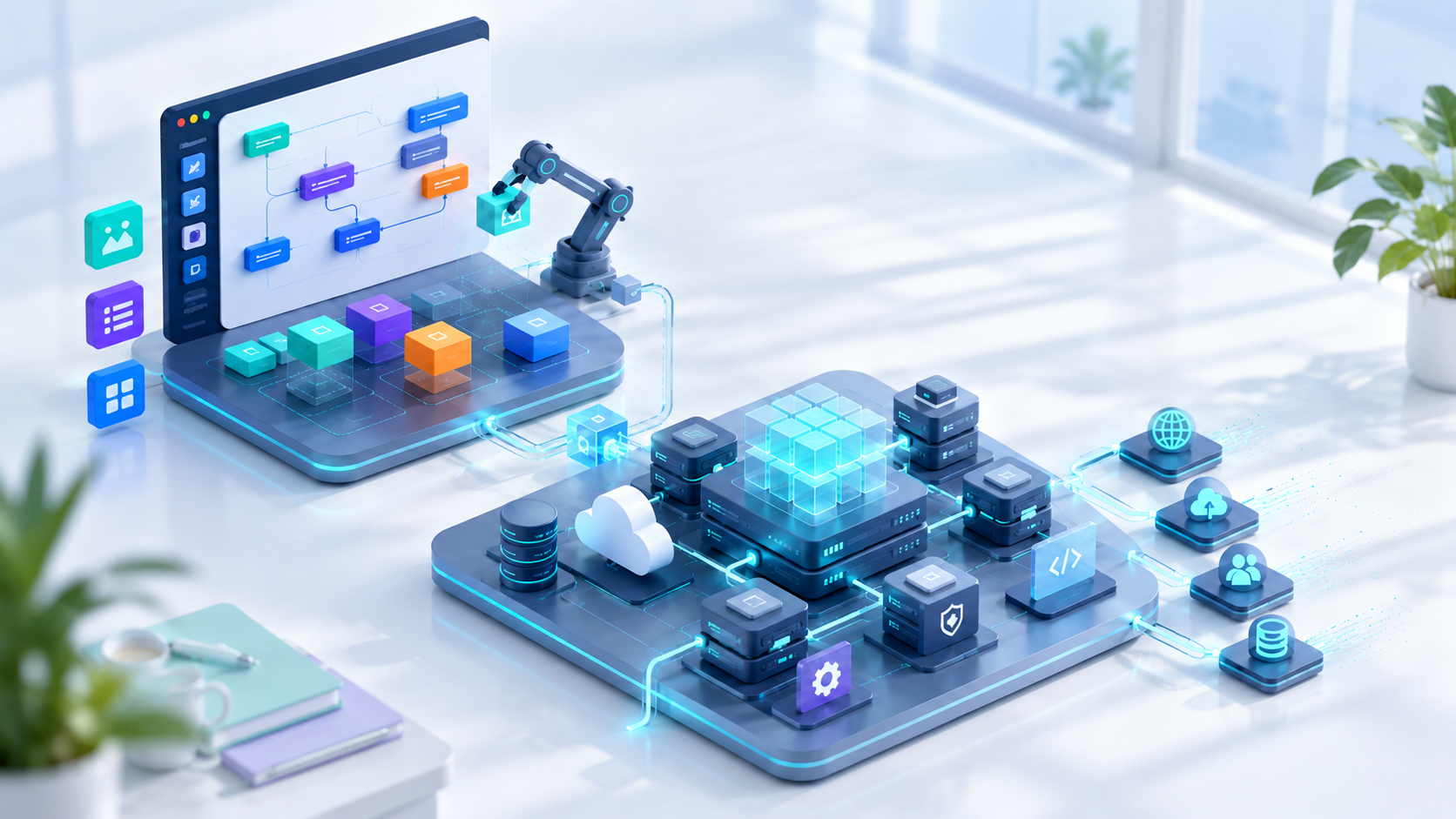
In processes like production, delivery, sales, and staff management, data is usually created in the field, not at a desk. When an employee has to transfer that information to a computer later, delays and errors follow. Mobile-first design aims to capture the record at the moment and place the event actually happens.
Task-focused screens
Mobile users don't want to navigate long menus. Today's deliveries, Orders waiting to be scanned, or requests pending approval should appear right on the home screen. Forms should be short, and device capabilities such as selection lists, camera, QR, and autofill should reduce manual data entry.
Instant notifications, at the right time
Notifications are valuable for situations that require action — an approval, a delay, or a critical stock level. Sending a notification for every single event desensitizes the user. A personalized notification setup, based on role, priority, and quiet hours, needs to be established.
Preparing for connectivity issues
A field app should treat a weak connection as the normal case, not the exception. Draft records, a secure local queue, and controlled synchronization once the connection returns can all be used. The user should clearly see whether an action has been submitted, and tapping again shouldn't create a duplicate record.
Mobile security
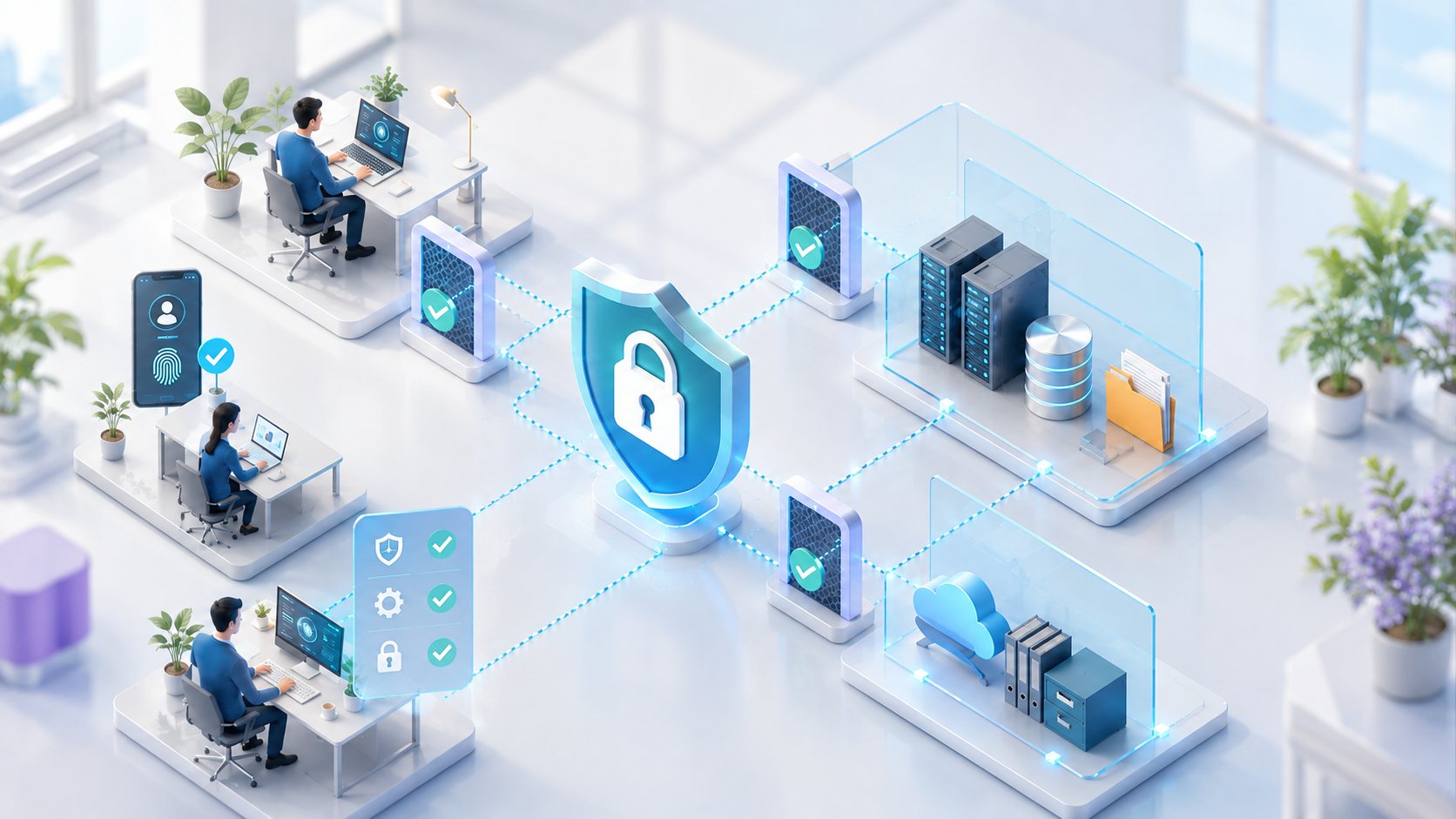
Session duration, device lock, avoiding storage of sensitive data locally, and the ability to revoke access on a lost device should all be planned. QR links shouldn't carry predictable record numbers, and the server should re-verify the user's permission on every request.
Mobile-first processes also let management access up-to-date data. When a delivery scanned in the field, completed production, or a personnel action reflects in the central system instantly, decisions no longer depend on end-of-day data entry. Success should be measured by the drop in processing time and the freshness of the data — not by download counts.
Frequently Asked Questions
Is mobile-first the same as mobile-only?
No. A mobile-first approach designs field tasks around the phone, while detailed management and reporting can still continue on the web app.
Is working offline secure?
It can be safe and manageable when designed with encrypted local storage, limited data, conflict handling, and session controls.